Work
Overview
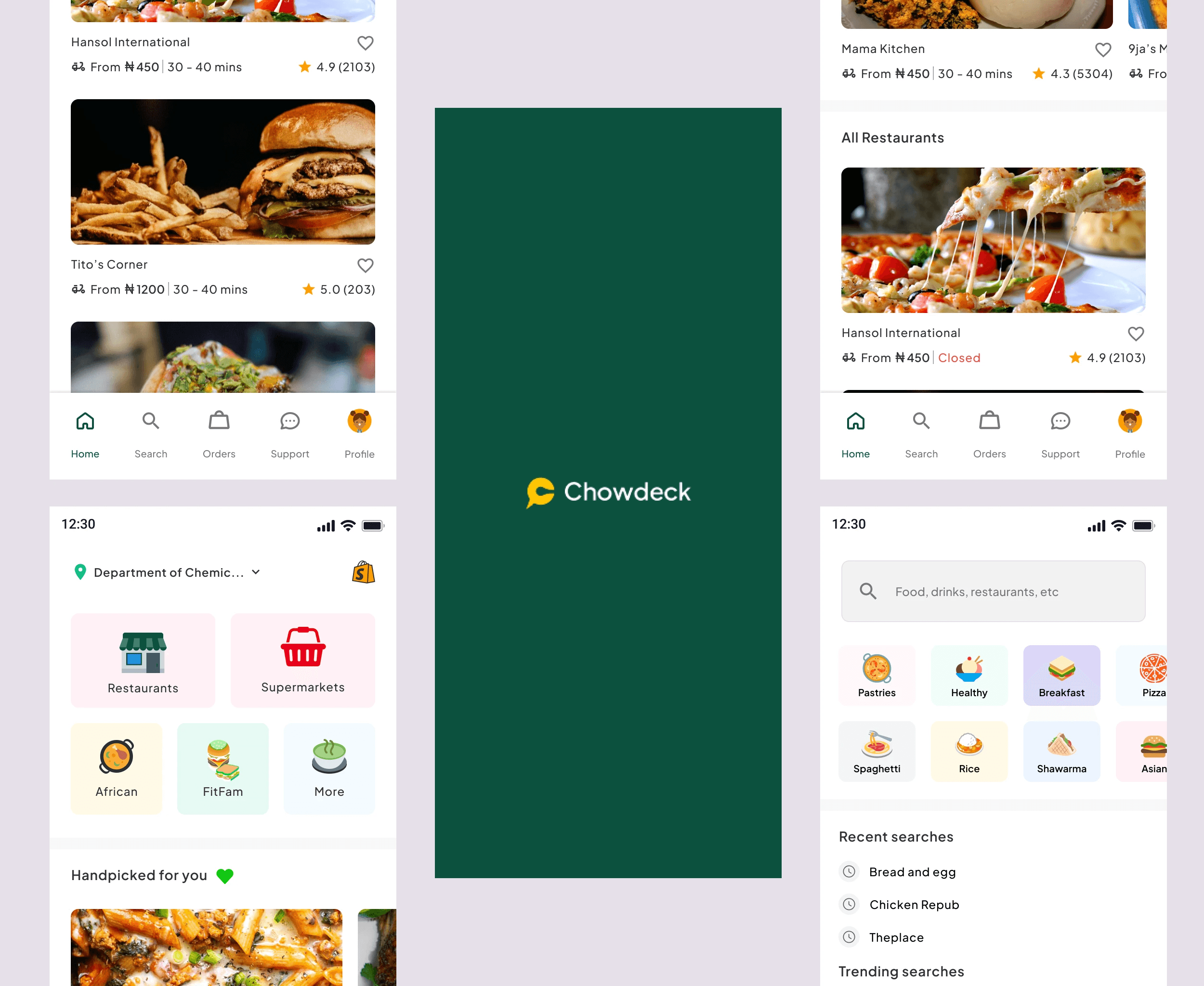
ChowDeck is a cutting-edge food delivery app that seamlessly connects hungry customers with a diverse range of local restaurants, allowing them to enjoy their favorite meals from the comfort of their homes. Designed with user convenience and restaurant efficiency in mind, ChowDeck offers a comprehensive platform that transforms the dining experience.
The Home Screens
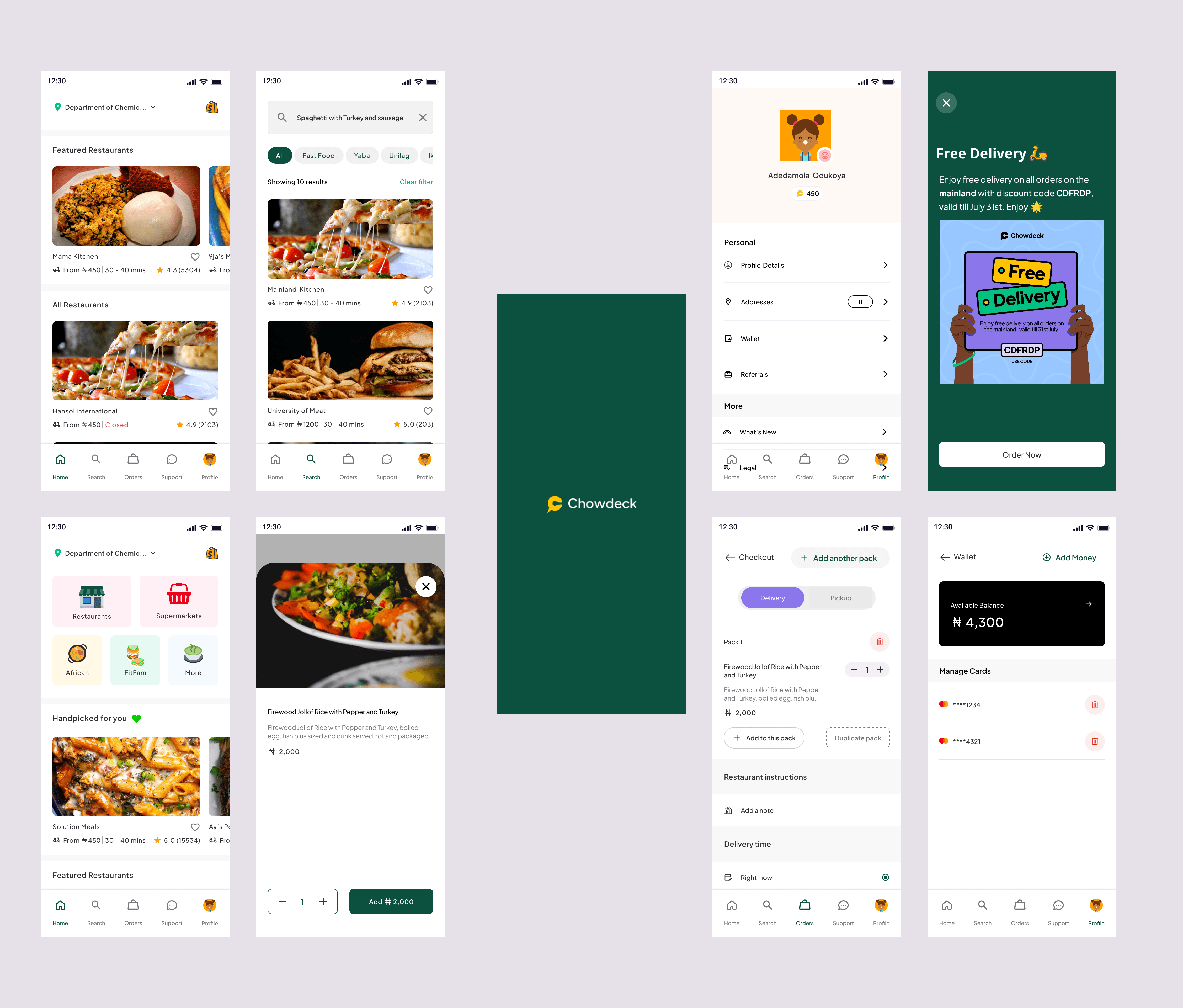
The home screen serves as the starting point for users of the food delivery app. It showcases a curated selection of nearby restaurants, top-rated dishes, and ongoing promotions. Users can quickly browse through their favorite cuisines, view restaurant ratings, and access their order history, making it a convenient hub for their dining choices.
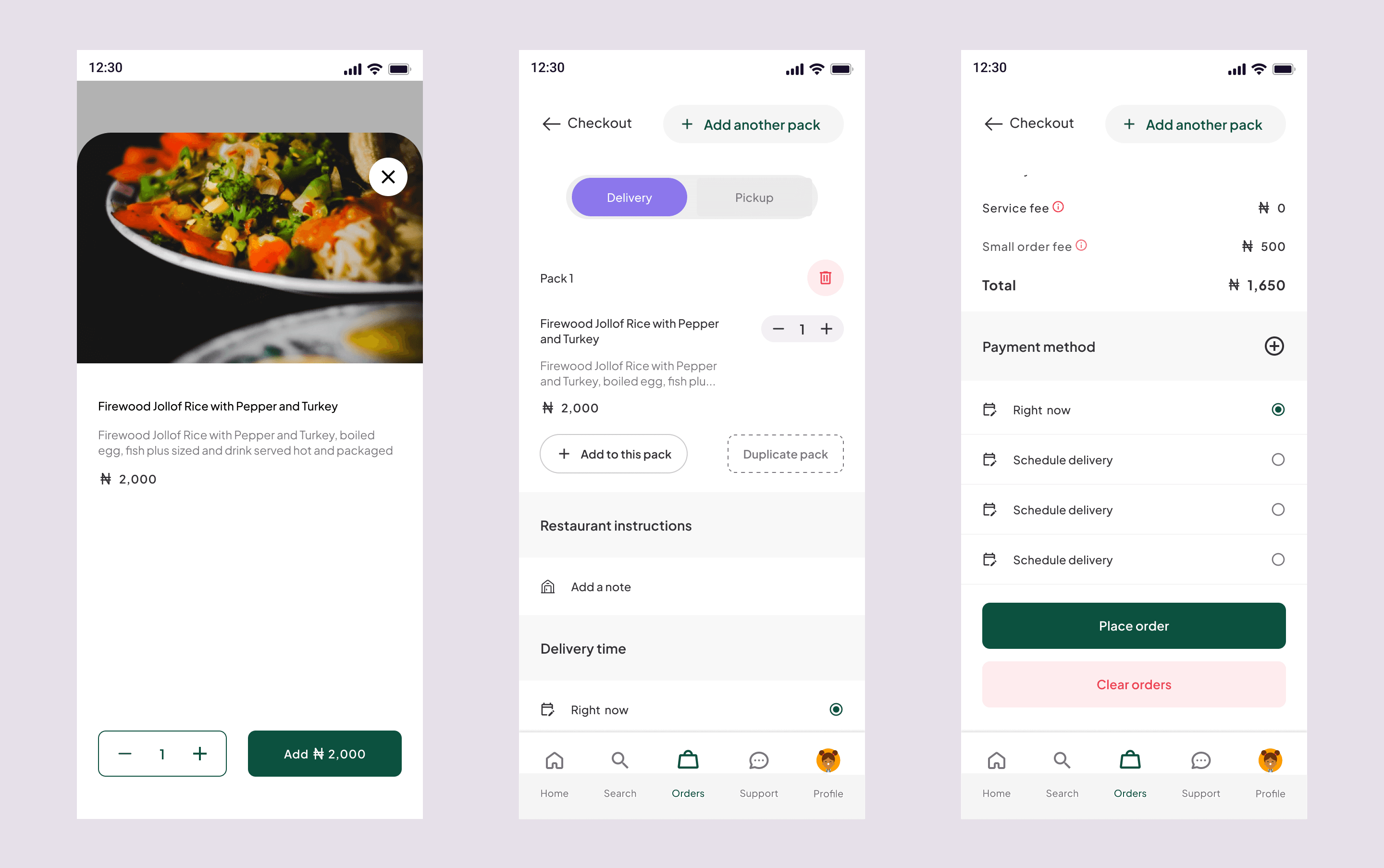
Checkout screens
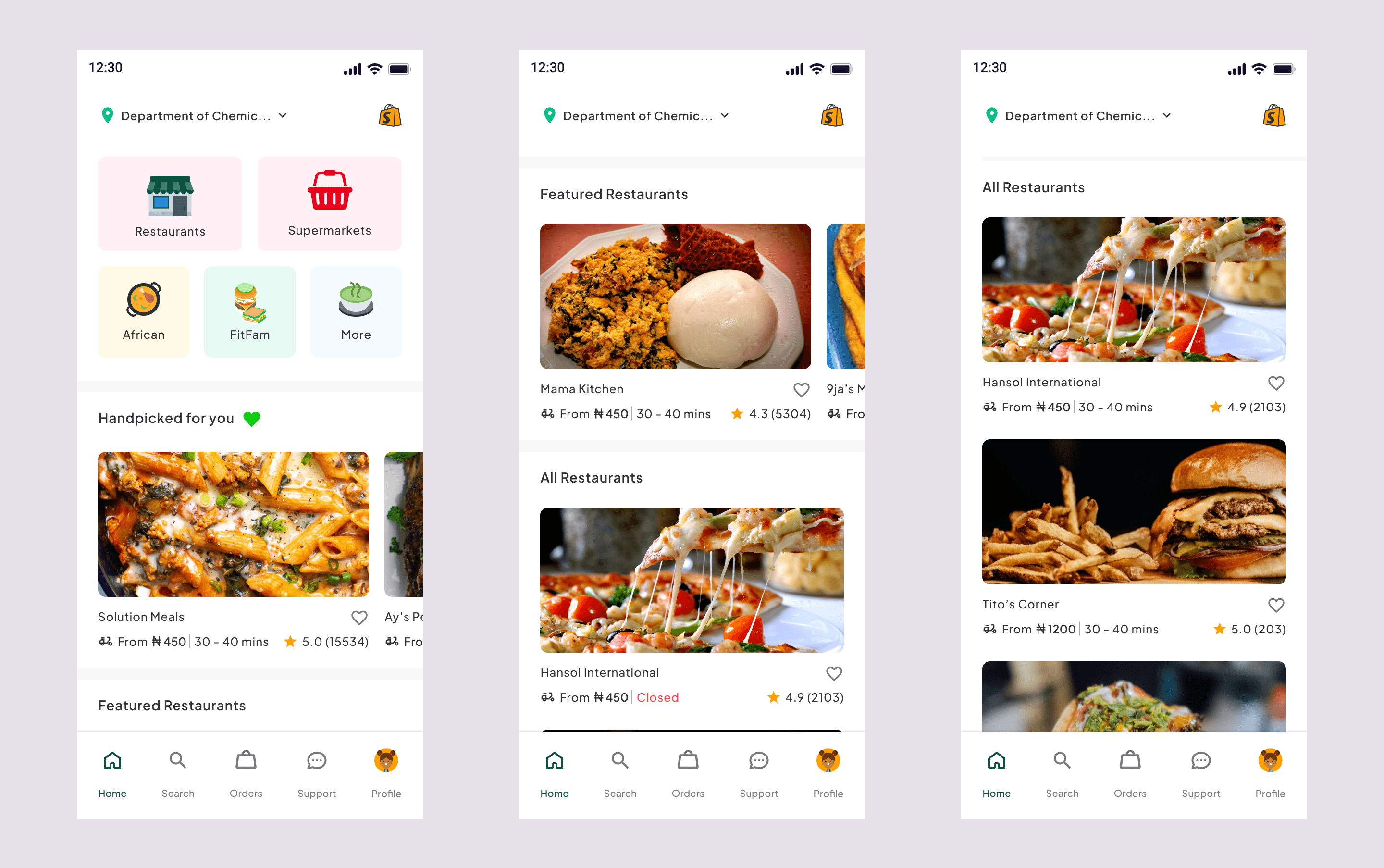
The checkout screen streamlines the ordering process, displaying the selected items, quantities, and total cost. Users can review their order, apply any available discounts or promo codes, and choose their preferred payment method. A clear breakdown of charges, and delivery fees ensures transparency. Once satisfied, users can confirm the order and proceed to payment, ensuring a smooth transition from selection to purchase.
Order details screens
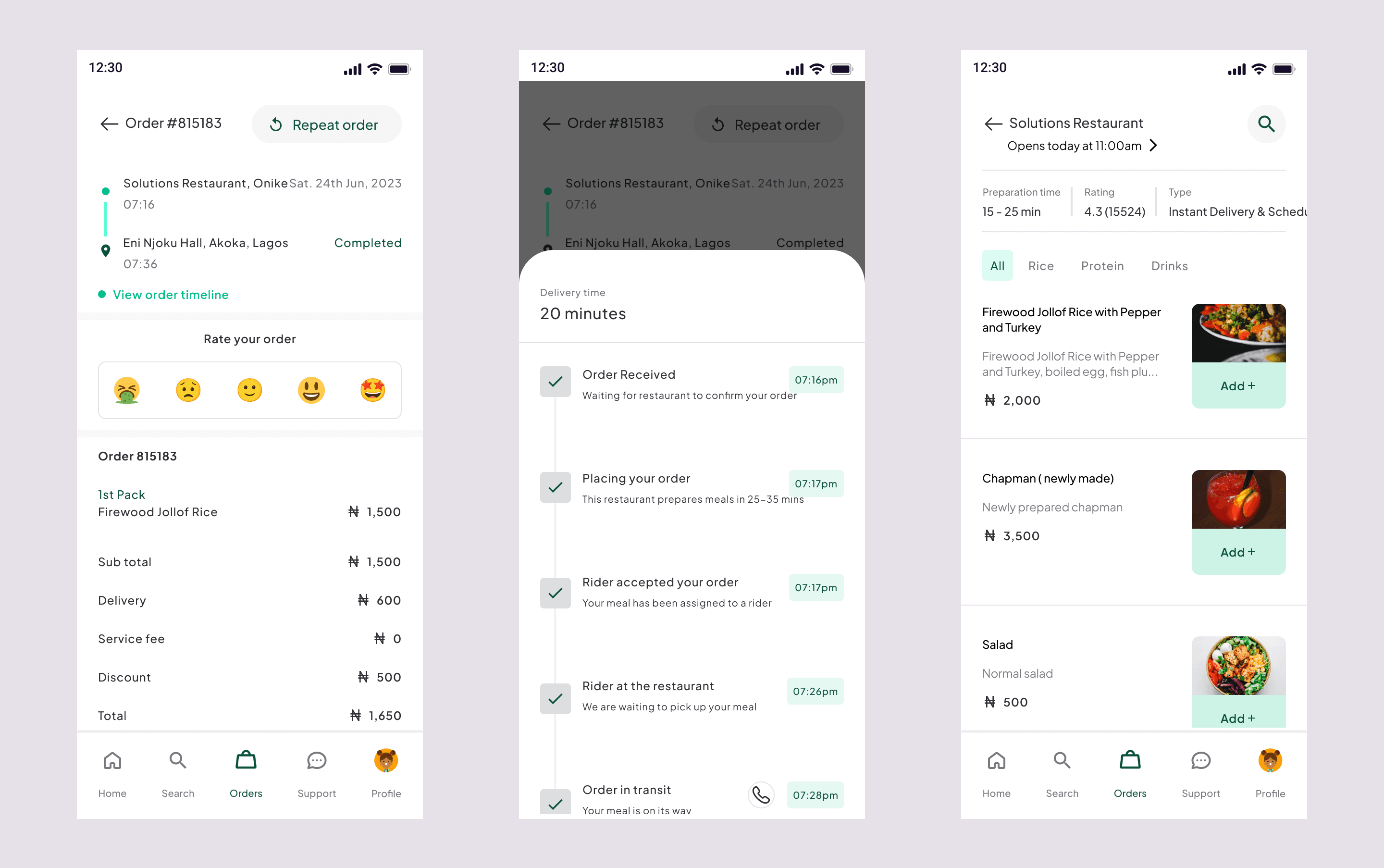
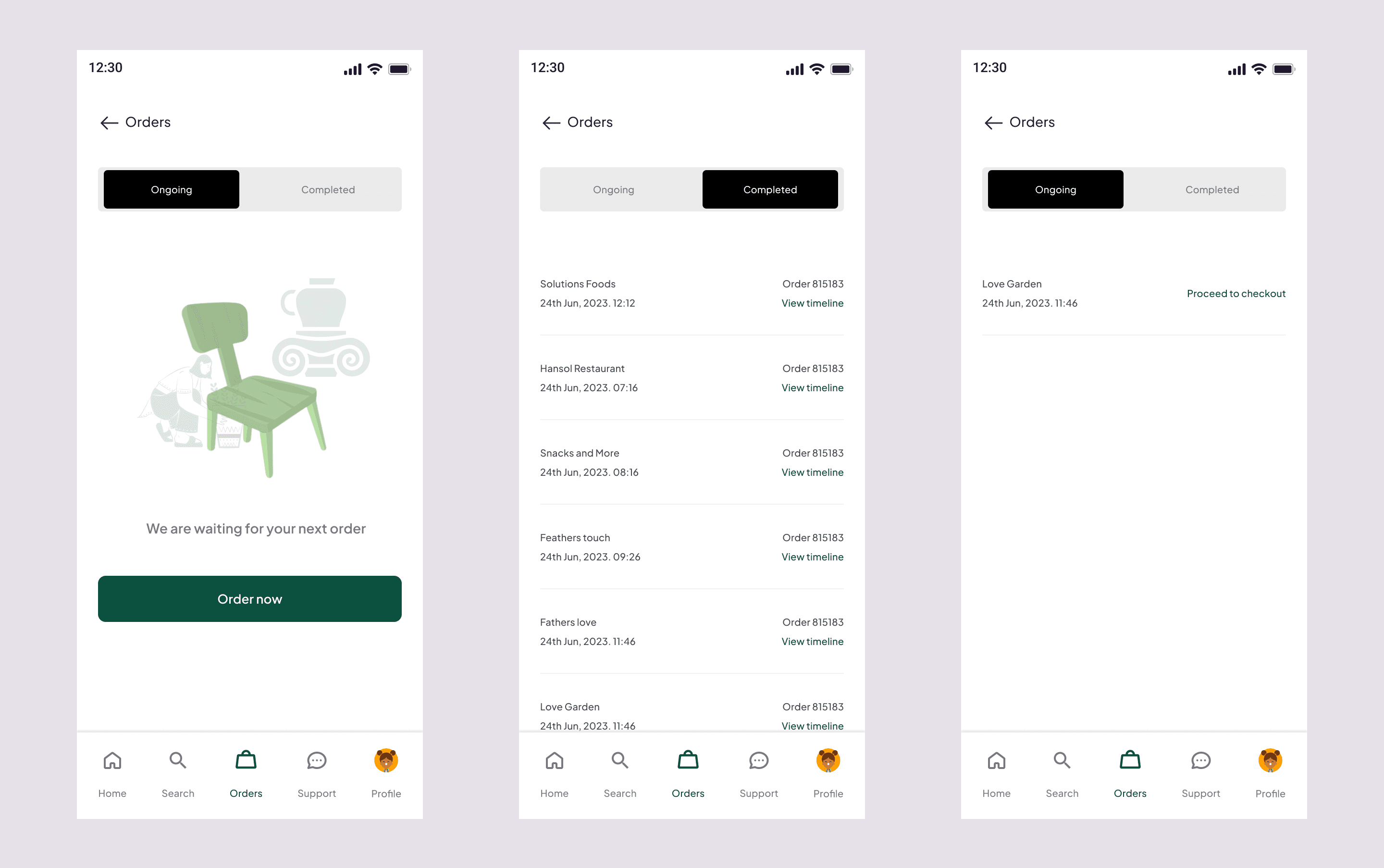
The order details page provides users with a comprehensive overview of their current and past orders. It displays essential information such as order date, items ordered, delivery address, and estimated delivery time. Users can track the real-time status of their order, from preparation to delivery. The order screen offers a dynamic interface that updates users on their order's progress in real-time. Users can see when the order is confirmed, being prepared, and out for delivery. Live tracking via a map interface allows users to monitor the delivery driver's progress, adding an element of excitement and anticipation. Estimated delivery time, driver contact details, and any special instructions are easily accessible on this screen.
Profile screens
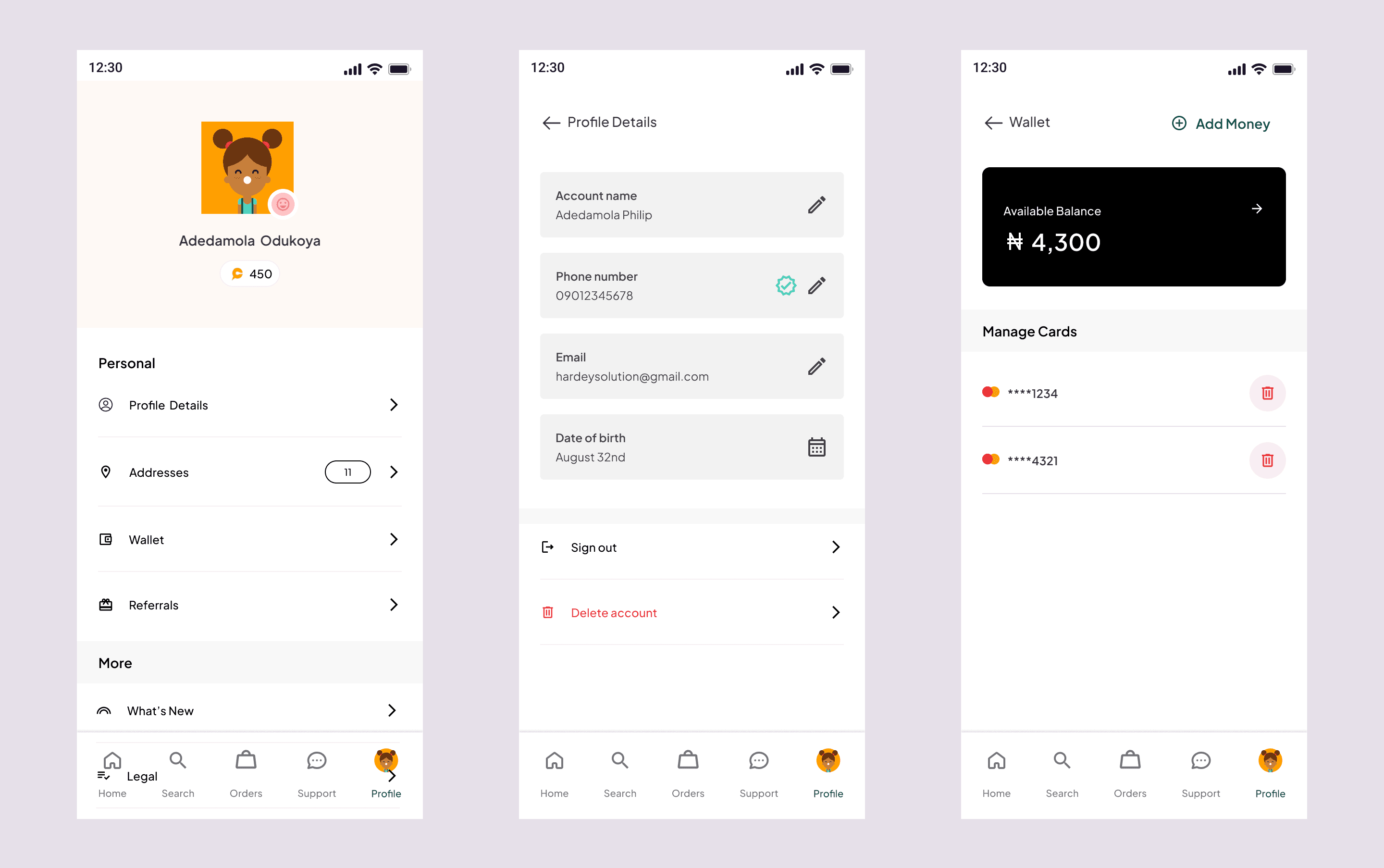
The profile screen within the ChowDeck app serves as a personalized hub for users to manage their account, preferences, and wallet. Here, users can access and update their personal information, including name, contact details, and delivery addresses.
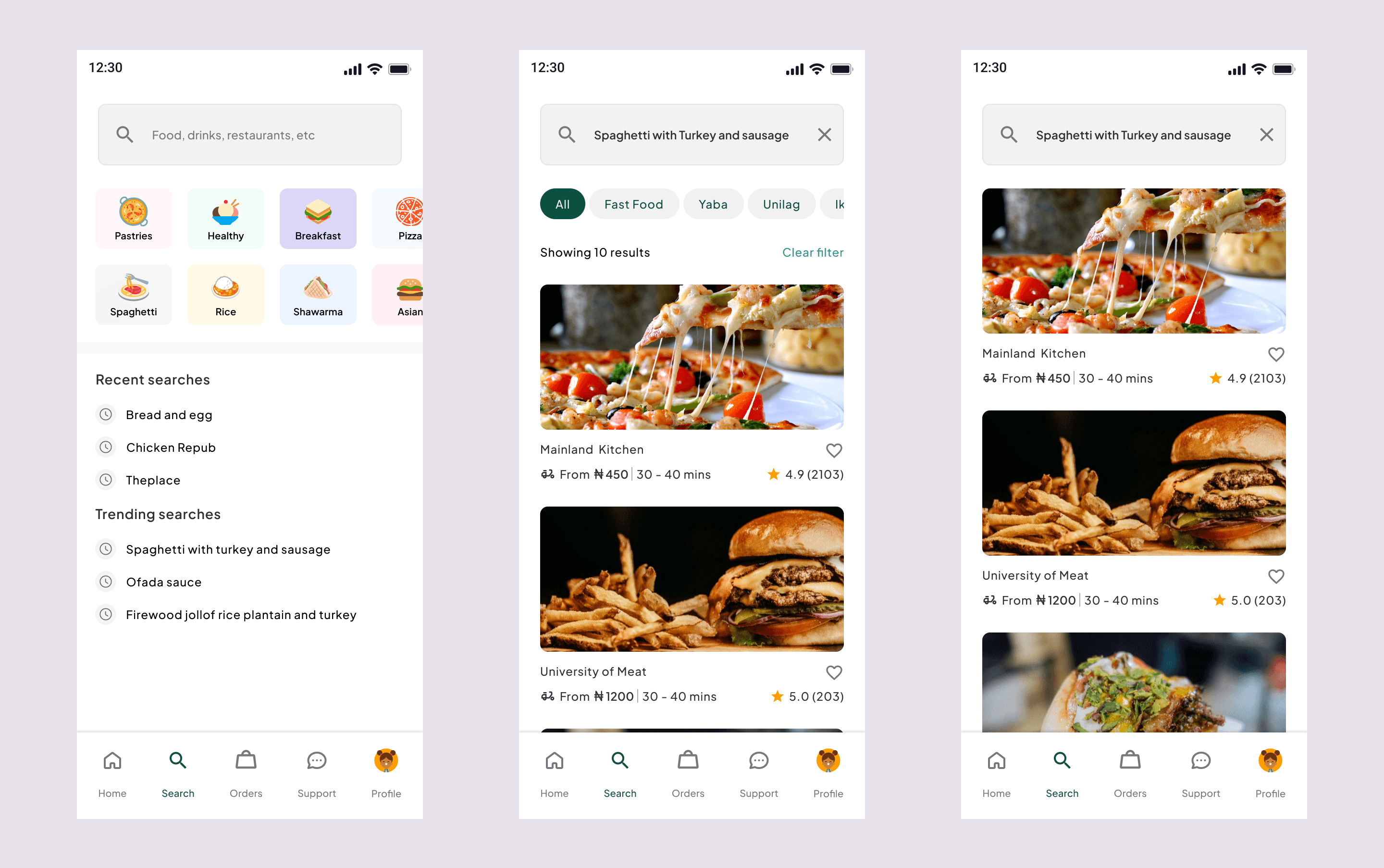
Search screens
The search screen empowers users to quickly find their desired restaurants and dishes. A search bar with auto-suggestions makes it easy to look up specific cuisines, restaurants, or menu items. The search screen provides a user-friendly way to explore a vast range of dining choices and discover hidden culinary gems.